
Please Note:
I had dealt with this subject before but a recent
conversation on Steemit made me dig up some old post there:
👁🗨DEEP DREAM - GIF Generator and Deep Dream Video
I am using some from that post, and also from my Website Page DEEP DREAM and Blog DEEP DREAM AND GIF CREATOR. So here is a summary of it all, with some updates and new images created.
As if I had nothing else to do -some time ago I was surfing the net
and found these sites where you can create great stuff with your photos.
Deep Dream I had used before, when it was in beta, but now you have to
sign up/sign in. It is free, and there are many more effects to chose
from now.

below is the original image from Hawaii
on the right is another more sophisticated Deep Dream portrait,
using one of my own paintings as a filter.


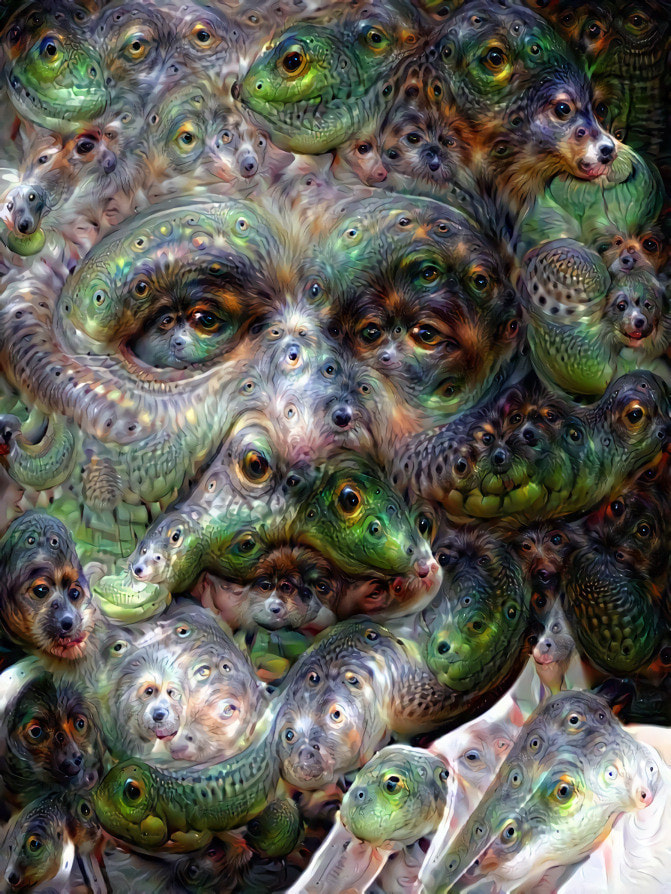
Of late I had made use of the Deep Dream Generator quite often. It is almost addictive, once you get started. I had been trying it when it first was introduced. At that time, it was a simple site with basically one Deep Dream style. I think I found the site via an article like this: Google robots dream up crazy psychedelic pictures using 'inceptionism' AI neural networks. Trying it out, I was hooked! For a time after that, I was not using the site and found when accessing it again, you had to create a account and log in. It is still free to use, but vastly improved since its early days several years ago. Because now, in addition to pre-set styles, you can upload your own styles as well.
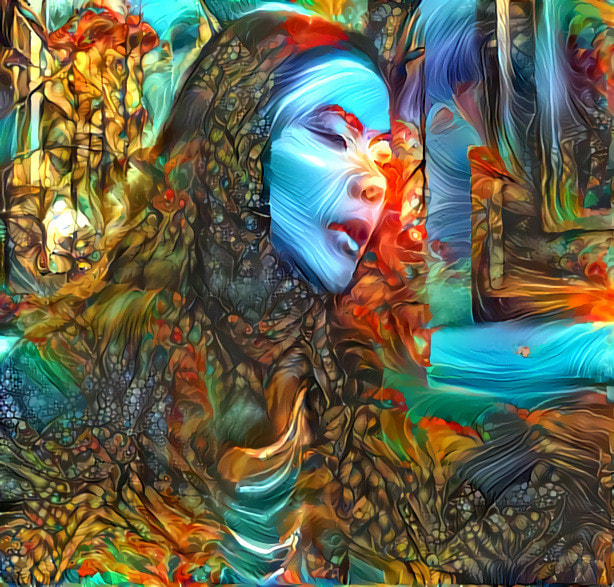
SOME EXAMPLES OF DEEP DREAM Images I created
to see them all, check my DEEP DREAM SITE.
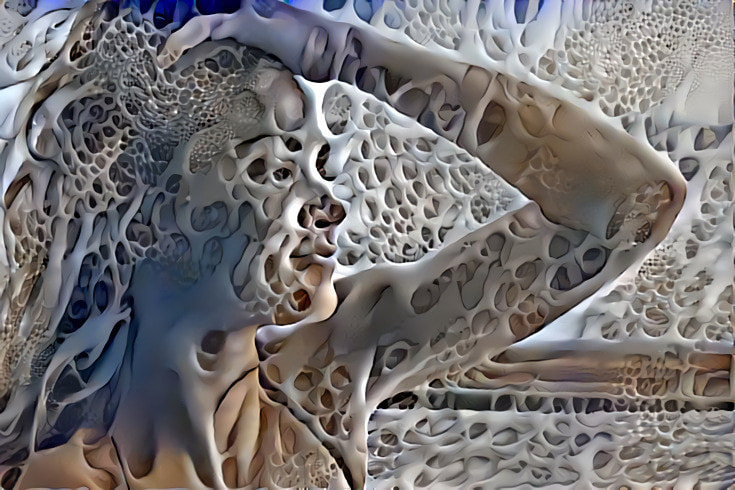
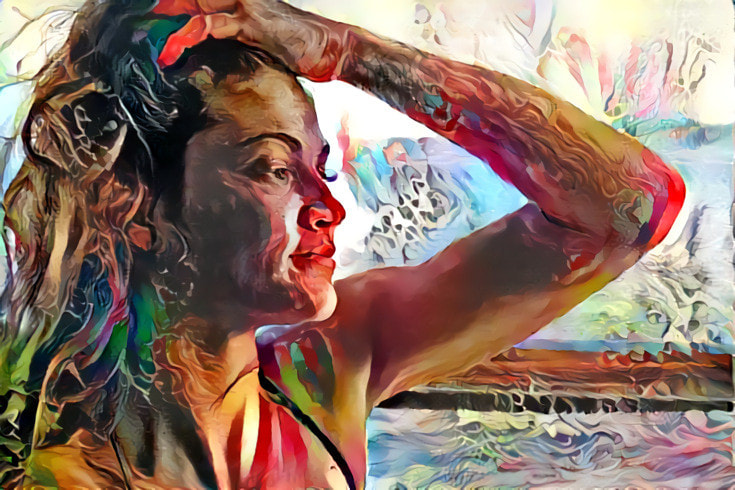
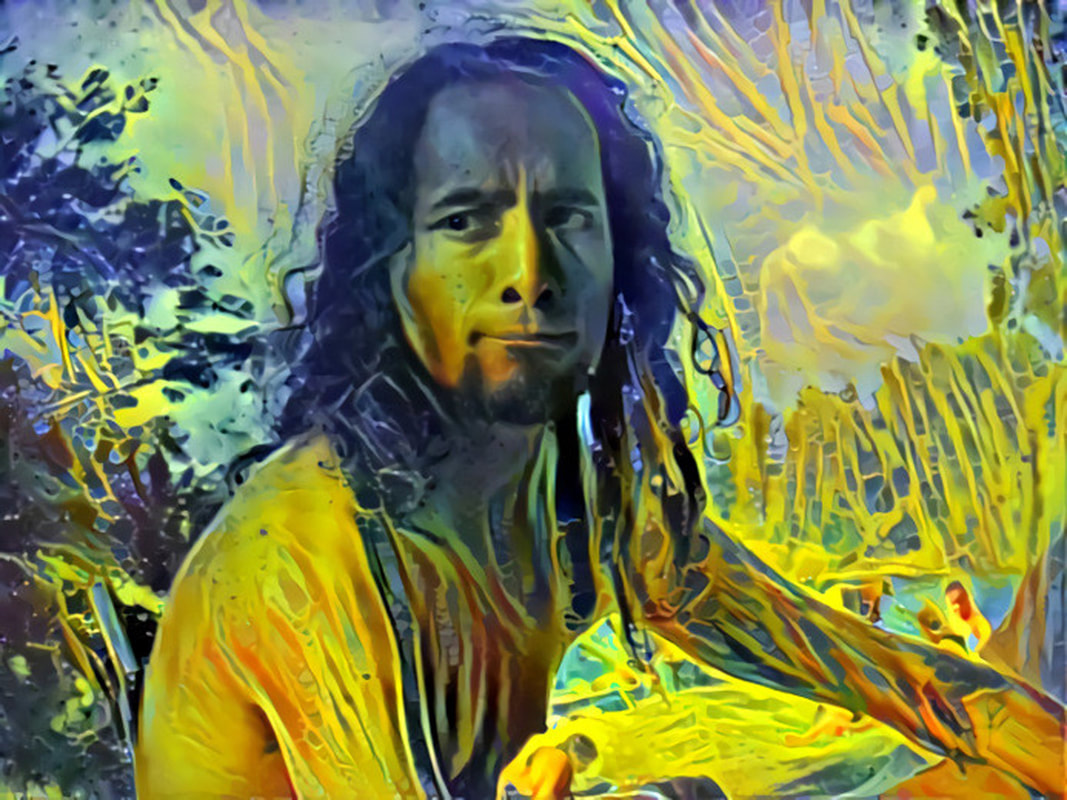
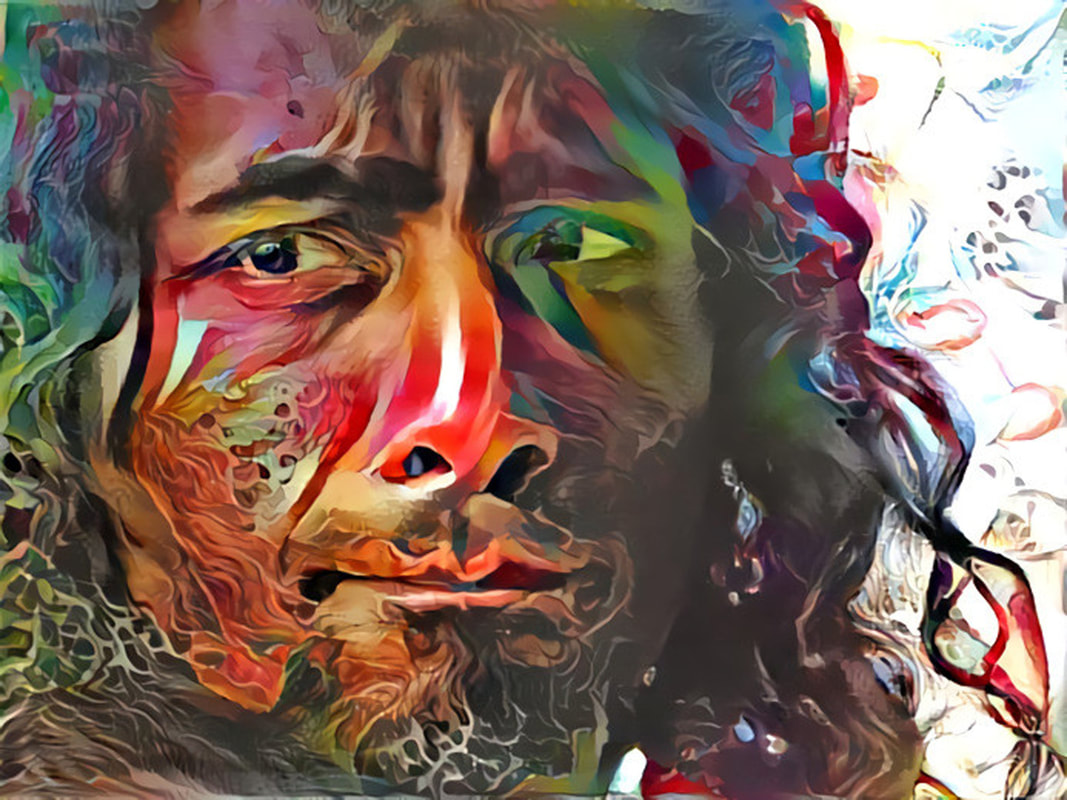
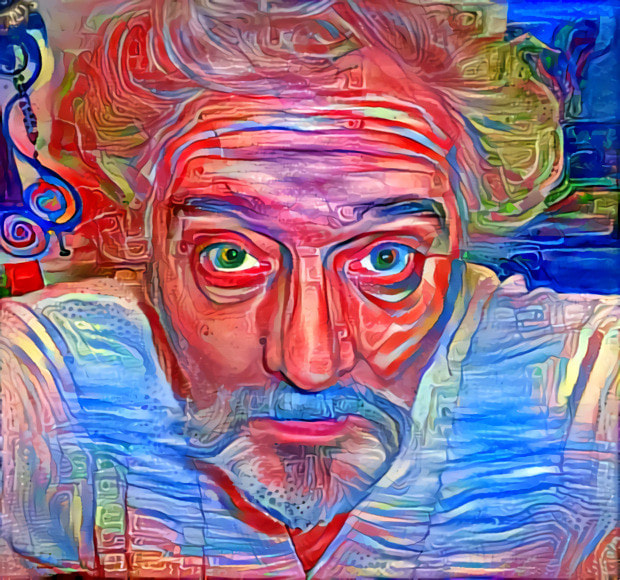


And here it is - the ULTIMATE DEEP DREAM FREAK SELFIE
I blogged about this, as well as a GIF Creator Program in September 2016:
DEEP DREAM AND GIF CREATOR.
At that time, I had combined photoshop images of my portrait with Deep Dream and created a GIF using this
GIF GENERATOR WEBSITE
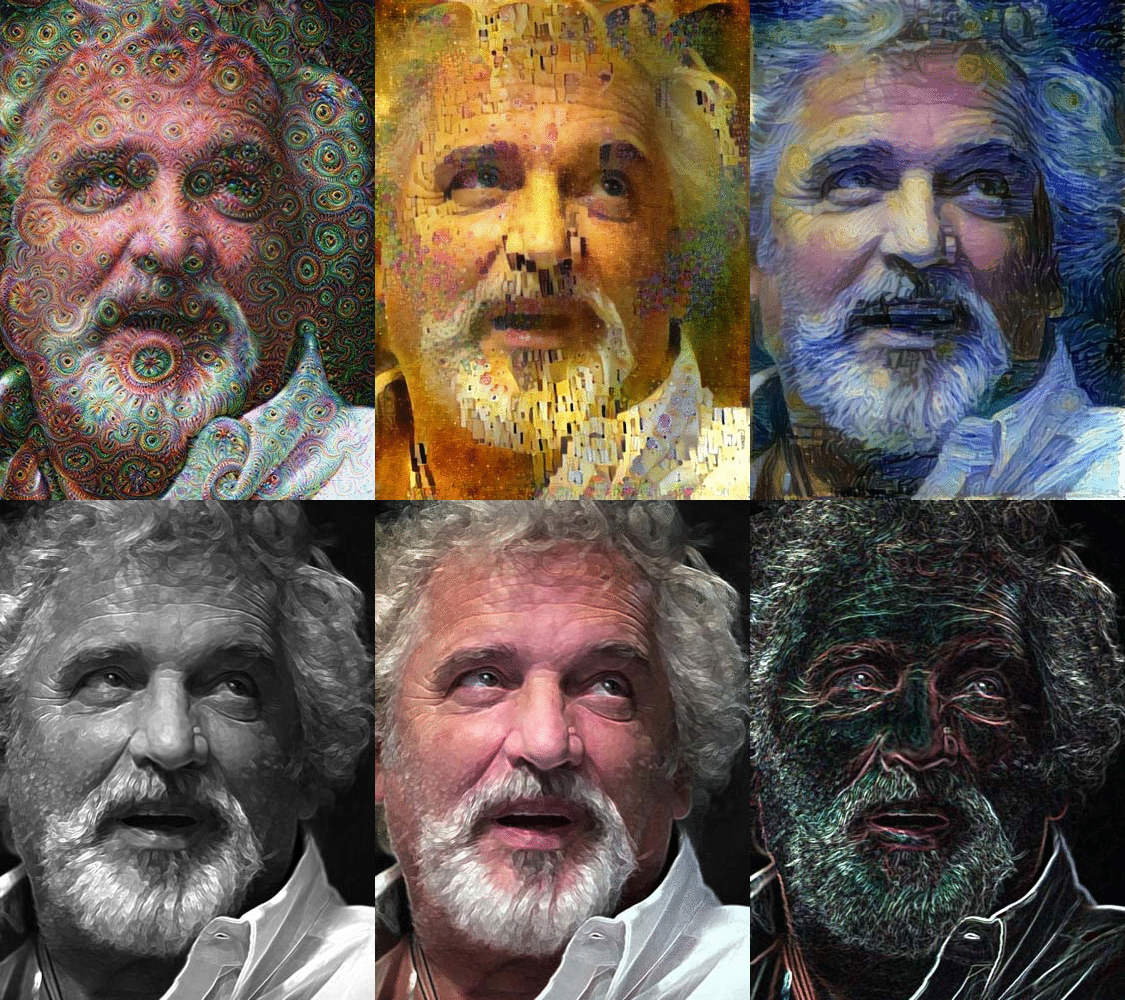
Making animated GIF images is a little complicated in Photoshop, so when I was looking for a tutorial, I found this website where it is easy to create animated GIF: all you have to do is upload your images, select the parameters and voila, done! This one here is also my first test, using images I had on hand (some of which were photo-shopped, some previously created in Deep Dream).
🔻
eventually, I put together many different Deep Dream images of a close-up of my eye and created this
VIDEO - ARTISTS EYE
👀
But there are other sites where you can create fun GIF images to use as Avatars, for example.
I sorted through these sites and found the best AVATAR site, such as the NEWTON CRADLE which I had used for a while now as a funny closing pic on my Steemit and WeKu blogs.
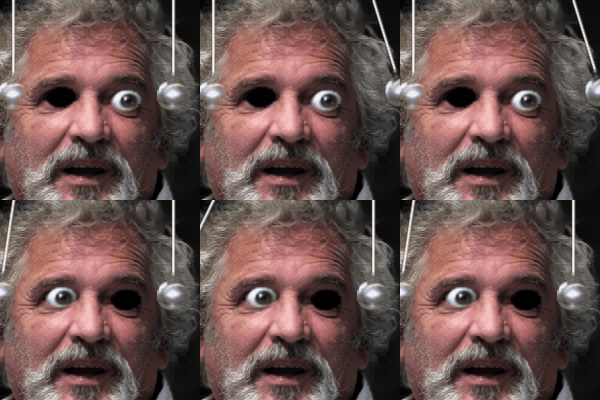
Using the same image,
a more subtle "Starry Eyes"

the possibilities are almost endless - and playing with it can indeed become addictive!

....... and this makes me wink at you:

👇
Are you ready for more crazy stuff?

here is another video, where I went totally off the rails and got extremely silly - at the end, it uses progressions of a Deep Dream.
Warning: Mindbogglingly stupid content!
OTTO FREAK
the distortion effects are from a app on my computer called Cyberlink YouCam.
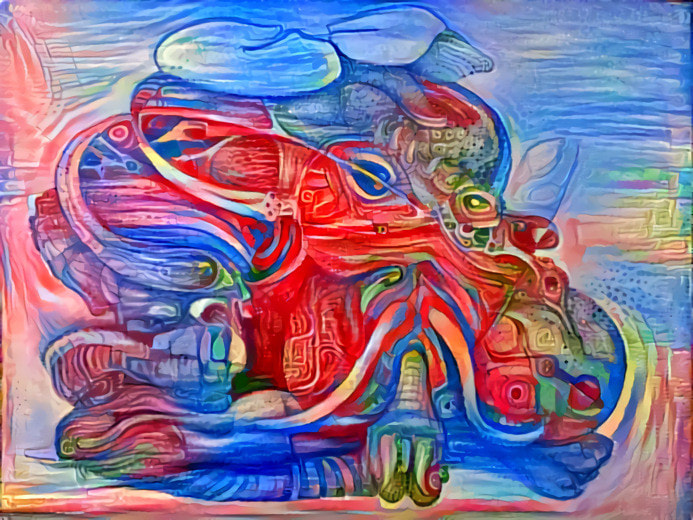
this is a ink drawing I cranked through Deep Dream with one of my own patterns (from a painting)
This concludes this installment of my infrequent blogs, I hope you enjoyed it and the provided links are useful to you.


